
Your payroll solution is only as strong as the way it connects to your ERP.
Construction payroll is hard. It’s complex, time-sensitive, and loaded with compliance requirements that most industries never deal with. For construction finance teams, the challenge doesn’t end once employees are paid.
Labor has to land in the right jobs.
Cost codes have to line up.
Finance has to trust the numbers for reporting, audits, and close.
If payroll runs accurately but creates extra review, rework, or reconciliation on the back end, the burden doesn’t disappear. It shifts to accounting.
That’s where the integration of your payroll solution becomes the deciding factor.
Where Payroll Breaks Down for Mid-Size Construction Teams
For most Sage 300 construction teams, payroll already runs on a tight weekly cadence. Time comes in from the field, rules are applied, compliance boxes are checked, and employees get paid.
The friction shows up after that.
In conversations with controllers and CFOs, the same issues tend to surface:
- Manual review before posting
Payroll runs, but finance still has to fix what’s going into Sage 300.
- Constant corrections and retro pay
Adjustments aren’t edge cases. They’re expected every cycle.
- Delayed job cost confidence
Labor isn’t trusted until it’s reconciled and rechecked.
- Spreadsheet-heavy validation
Teams rely on exports to confirm data before and after posting.
- Process risk concentrated in a few people
Payroll works because one or two people know how to make it work.
The frustration isn’t just payroll itself.
It’s that finance still has work to do before labor costs are reliable.
Integration Quality Matters in Payroll Automation
Solving these problems doesn’t come down to adding more payroll features alone. It comes down to how payroll is designed to connect to Sage 300.
Most payroll solutions check the “integrates with Sage 300” box. Very few integrate in a way that actually removes work for finance.
That’s because not all integrations are built the same way.
Three Approaches to Integration (and Their Tradeoffs)
-
File-based or import-driven integrations
With file-based integrations, payroll data is exported from the payroll system and then imported into Sage 300. Job cost detail is often reviewed, adjusted, or reformatted before posting.
This approach connects the systems, but it leaves validation and reconciliation with the customer. Finance teams typically spend additional time reviewing payroll data, correcting errors, and ensuring labor costs post correctly.
Tradeoff:
Flexible, but manual. Finance takes on ongoing review, reconciliation, and cleanup work each cycle.
-
Point-to-point or generic integrations
Some integrations rely on direct connections between systems without using Sage-supported job cost workflows. While data moves between payroll and Sage 300, these integrations still have to navigate Sage 300’s complex data model.
When integrations are not designed specifically around how Sage 300 stores and relates job cost, payroll, and accounting data, issues can surface. Missing or inconsistent records, additional validation steps, and more frequent troubleshooting often follow, especially as payroll complexity increases.
Tradeoff:
Automation improves, but finance still absorbs the burden of validation, issue resolution, and ongoing support.
-
Native Sage 300 integrations
With a native integration like hh2’s, payroll is designed to work within Sage 300’s job cost and accounting structure from the start. Job-related labor costs originate with full job and cost code context and follow Sage-supported workflows directly into Sage 300.
Because transactions are structured correctly upfront, payroll data posts as expected into job cost without requiring manual reshaping or reconciliation.
Upfront alignment to Sage 300 workflows results in fewer exceptions, more reliable posting, and significantly less downstream work for finance.
All three approaches can be called integrated.
Only one is designed to reduce downstream finance work.
The Advantages of a Native Integration
When payroll is built natively for Sage 300, the downstream issues largely disappear.
- Accurate posting by design
Labor is created with full job and cost code detail from the beginning.
- Fewer post-payroll fixes
Data doesn’t need to be reshaped or corrected after payroll runs.
- Less reconciliation for finance
Job cost data can be trusted once it’s posted.
- Earlier visibility into labor costs
Reporting and forecasting improve because data is available sooner.
- More predictable close
Payroll stops being a last-minute cleanup item.
Your payroll solution should remove manual work, not require finance to compensate for weak integration.
hh2’s Native Integration, Not a Workaround
hh2 is one of the few payroll solutions with an integration built natively for Sage 300, not adapted to it.
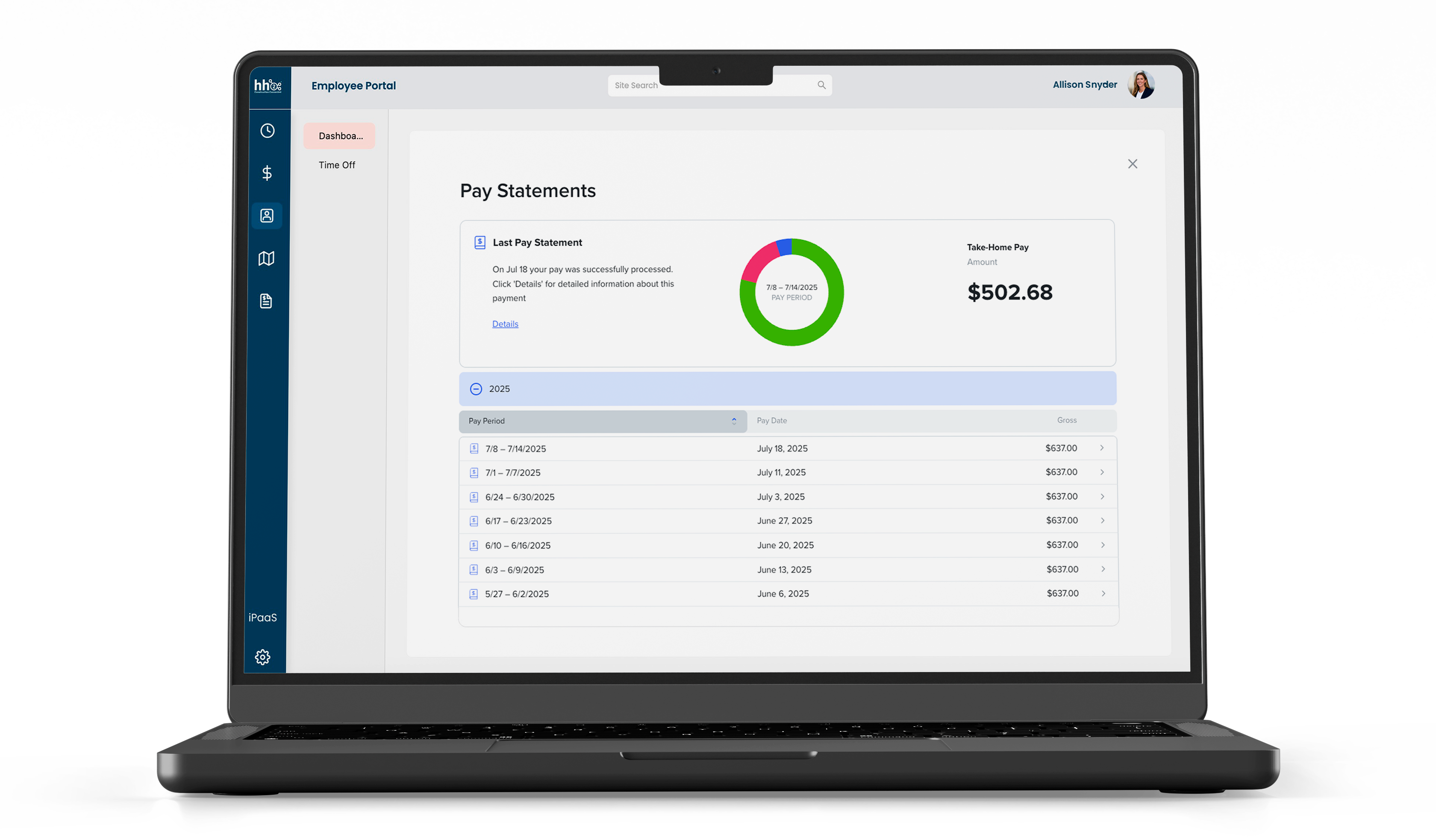
Employee data, labor hours, pay types, jobs, and cost codes are managed together in one platform. Job-related labor costs originate in hh2 and are written directly into Sage 300 using Sage-supported job cost workflows. No middleware is required for core payroll functionality.
Tax reporting, local and PSD code handling, and labor compliance workflows are automated, reducing one of the most error-prone areas of construction payroll.
For Sage 300 construction teams evaluating payroll solutions, the real question isn’t just whether payroll runs accurately. It’s whether the integration is strong enough to support job cost accuracy, reporting confidence, and close without adding work for finance.
That comes down to the integration type, which determines whether your payroll solution reduces work or creates more of it.
Request a demo to see how hh2 Payroll integrates directly with Sage 300.
Ready for One Payroll Workflow — Built for Sage 300?
Stop relying on exports, spreadsheets, and post-payroll cleanup to make labor costs work in Sage 300.
With hh2, payroll is built natively around Sage 300’s job cost structure — so labor posts accurately, reporting holds together, and finance isn’t reconciling every cycle.
See how a true native integration removes downstream work and makes close more predictable.
Blog Transcript